How To Customize
Your Order
Custom Orders Welcome -
even just 1 piece
Choose Your Product
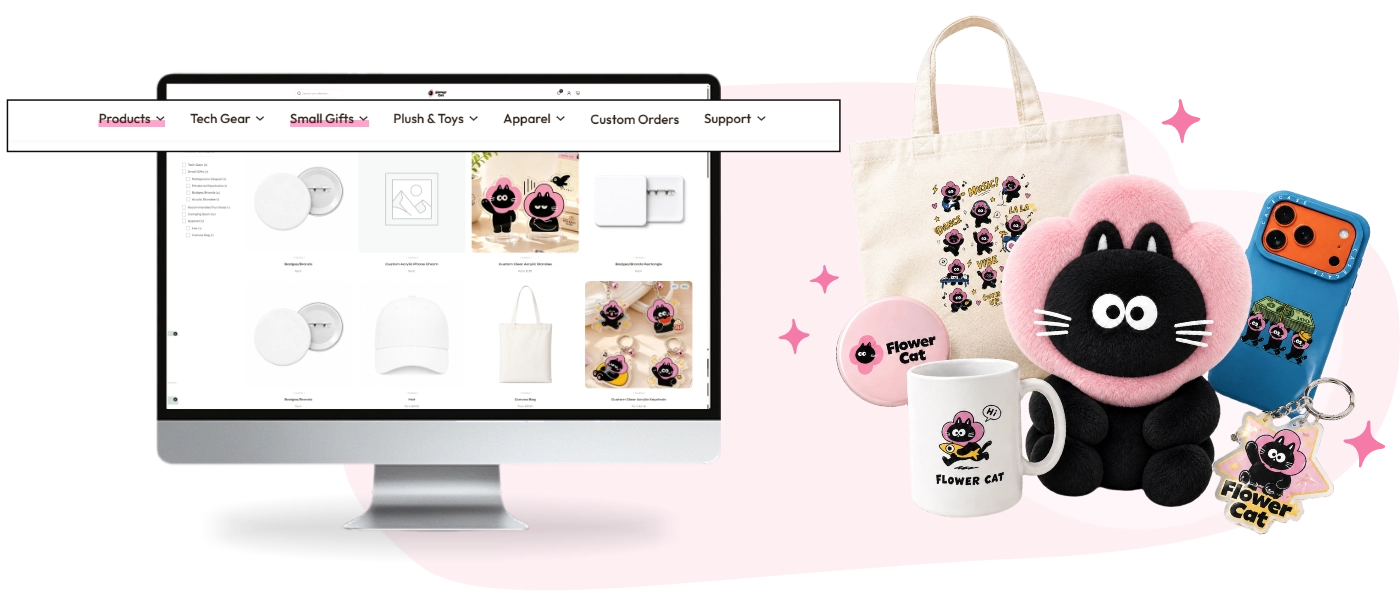
Pick from badges, acrylic
stands, keychains, tote bags, pillows, phone cases, mugs and more.
Choose Your Options
Choose the size optionsthat
fit your style.
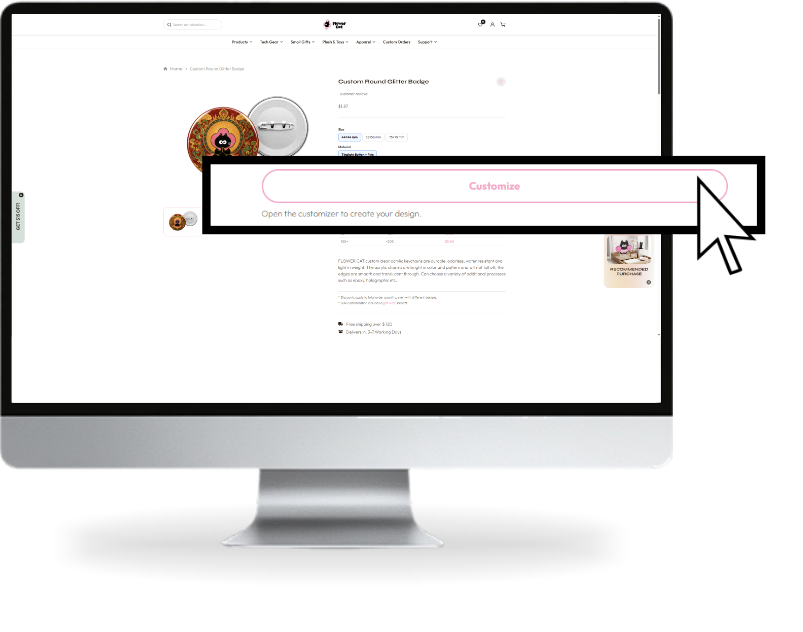
Upload & Customize
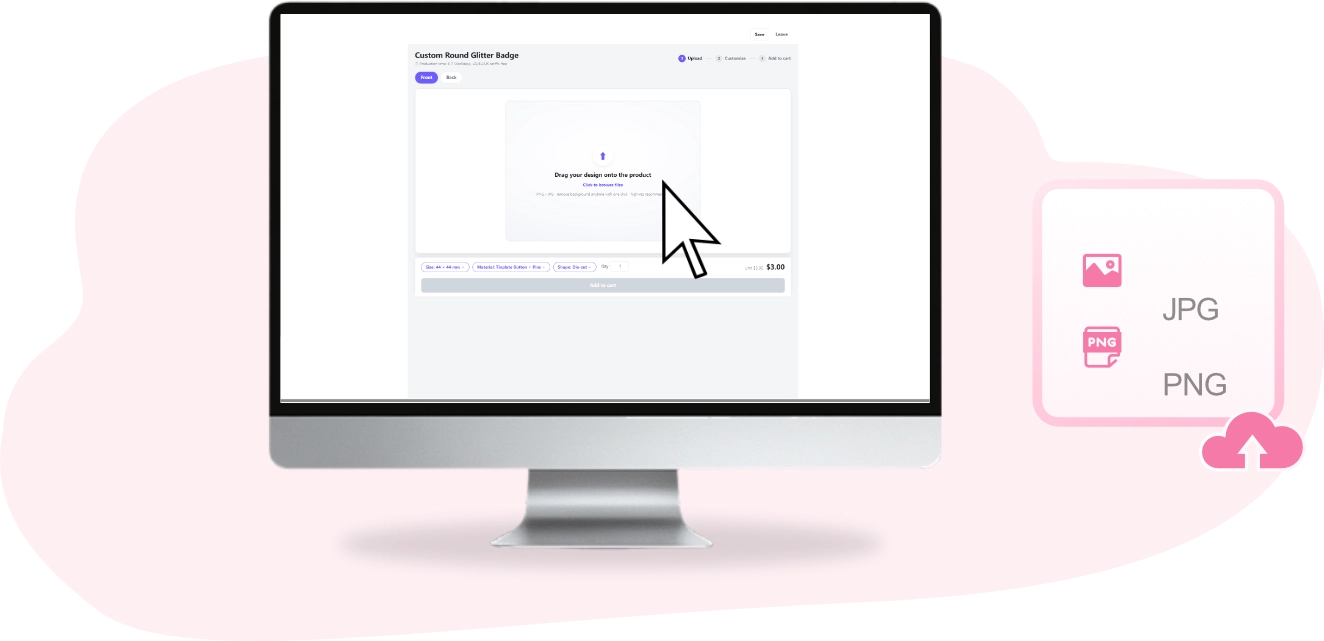
Jpload your artwork or
photo. Accepted formats: JPG, PNG. A clean, solid background makes cutouteasier and gives the best result.
Tips
What format is required
Upload JPG or PNG in the customizer. For production artwork, we accept PSD, PNG, PDF, AI, JPG and CDR. A transparent PNG or PSD is recommended; see Image Upload Notice for full requirements.
Is a transparent background required
A transparent background is recommended when you want only your artwork to appear. You can also upload a photo with a clean, solid background to make cutout easier.
Pixel specifications
Use artwork at 300 dpi and at least 1,000 pixels. To avoid missing lines in print, white lines should be greater than 0.5 mm and colored lines greater than 0.3 mm.
Where to get help
Contact our customer service team for help with your artwork or an artwork check before production. Our team replies within 24 hours.
Image Upload Notice
1. MOQ
1 pc
2. Printing
CMYK.
3. File requirements
Please Upload PSD/PNG/PDF/AI/JPG/CDR file. Please providing CMYK colour. Need 300 resolution, 1000 pixels or more. The best file to upload is PNG transparent background or PSD format. To avoid missing lines inthe printed design, white lines should be greater than 0.5mm, and colored lines should be greater than 0.3mm.
4. Double-Sided Design
• Same design on both sides will be mirrored by default.
• For double -sided designs, upload front and back separately and choose different design when placing the order.
5. Size Information
Charm size should include charms border and hole and depends on the longest edge(the vertical or horizontal length of the charm's artwork), not only the printing design size.
6. Text in Design
If your design includes text, ploase select the option "Double sidod different designs to ensure the text appoars correctly and not mirrored on the back side.
7. Default Border Width
• Default Border Width: 2mm
• simply provide your original design draft, and our designers will draw the outlines and hole positions for you.
8. Designs with a White Outline/White Border
If your design has a white outline or white border, it may appear slightly thinner on the finished acrylic keychain, especially near the edges.
We recommend avoiding very thin white borders. If you want to koep awhite border, please make it slighty wider in your artwork.
If youre unsure, contact our customer service team for an artwork check before production.
9. White does not support a semi-transparent effect
White design areas must be printed with a white ink backing to display color properly, as a result, white only supports solid (opaque) effects.
10. CMYK Recommendations for Semi-Transparency
Low CMYK values in semi-transparent layers willresult in colors that are too light or washed out, making the semi-transparent offect less noticeable.
11. Borderless Charms
Please leave a 0.5 mm bleed area with background color for cutting.
No need to draw the cutine - just upload your design with background, and our designers wil create the cutline for you.
12. Gradient / Semi-Transparent & Layer Setup
If your design includes semi-transparent or gradient effects, place them on a separate named layer,or name your fle with "semi-transparent" and leave a note with your order.
For light colors, avoid using overly pale shades - we recommend a slightly darker background to prevent unwanted transparency.
Design Notice with text :
You need to separate the front and back design drawings, and the contours of the two drawings should completely overlap. If your design contains text,please select the option"Double sided different designs".
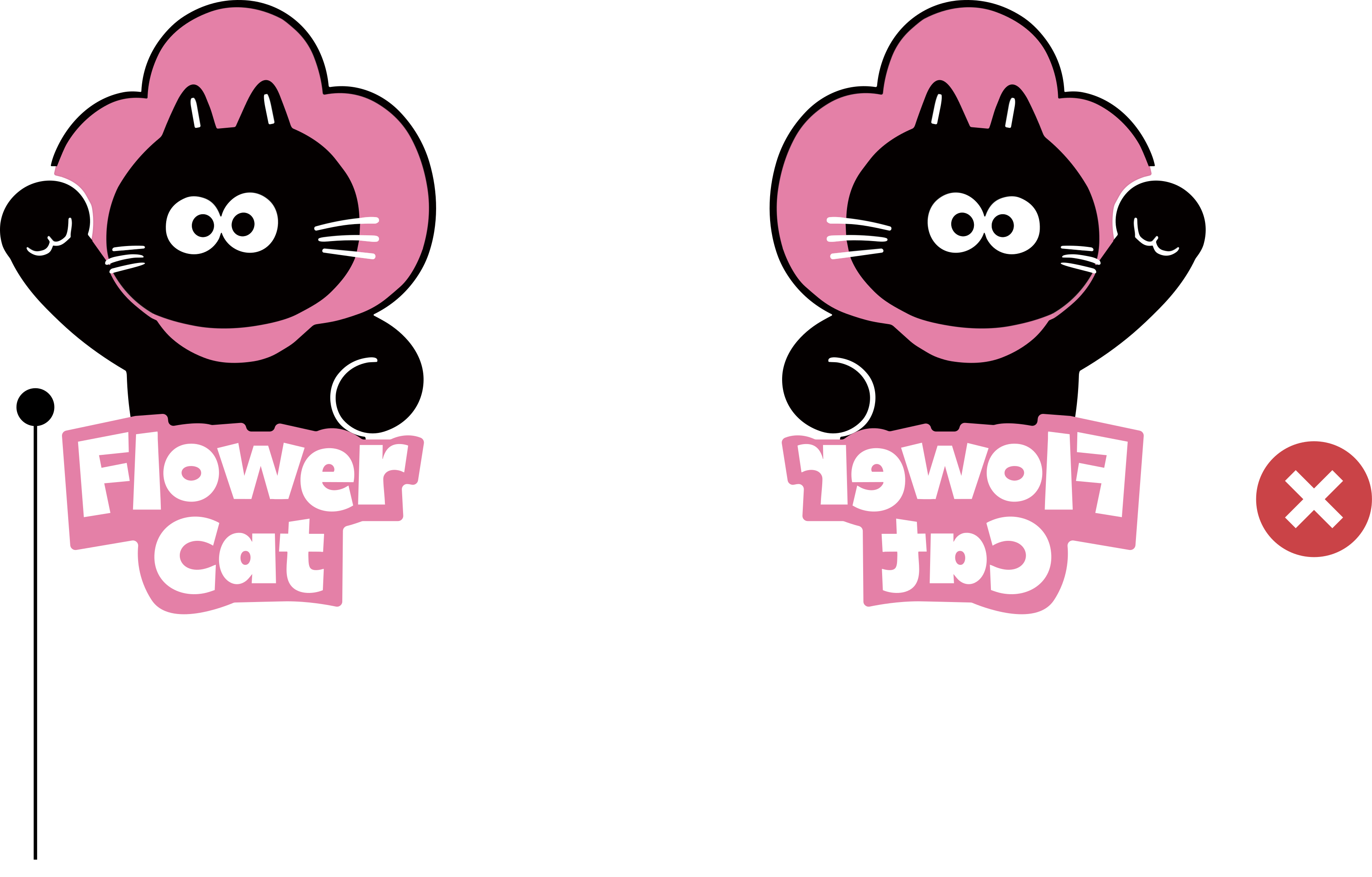
If you want to print a double-sided pattern with words, but only provide one picture, the words on the back will be reversed.
It is recommended to provide back design documents at the same time, and the text part is normal as shown in the figure.
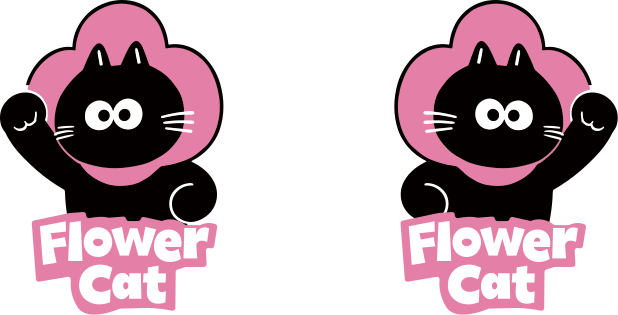
(you need to select different double-sided patterns when placing an order)
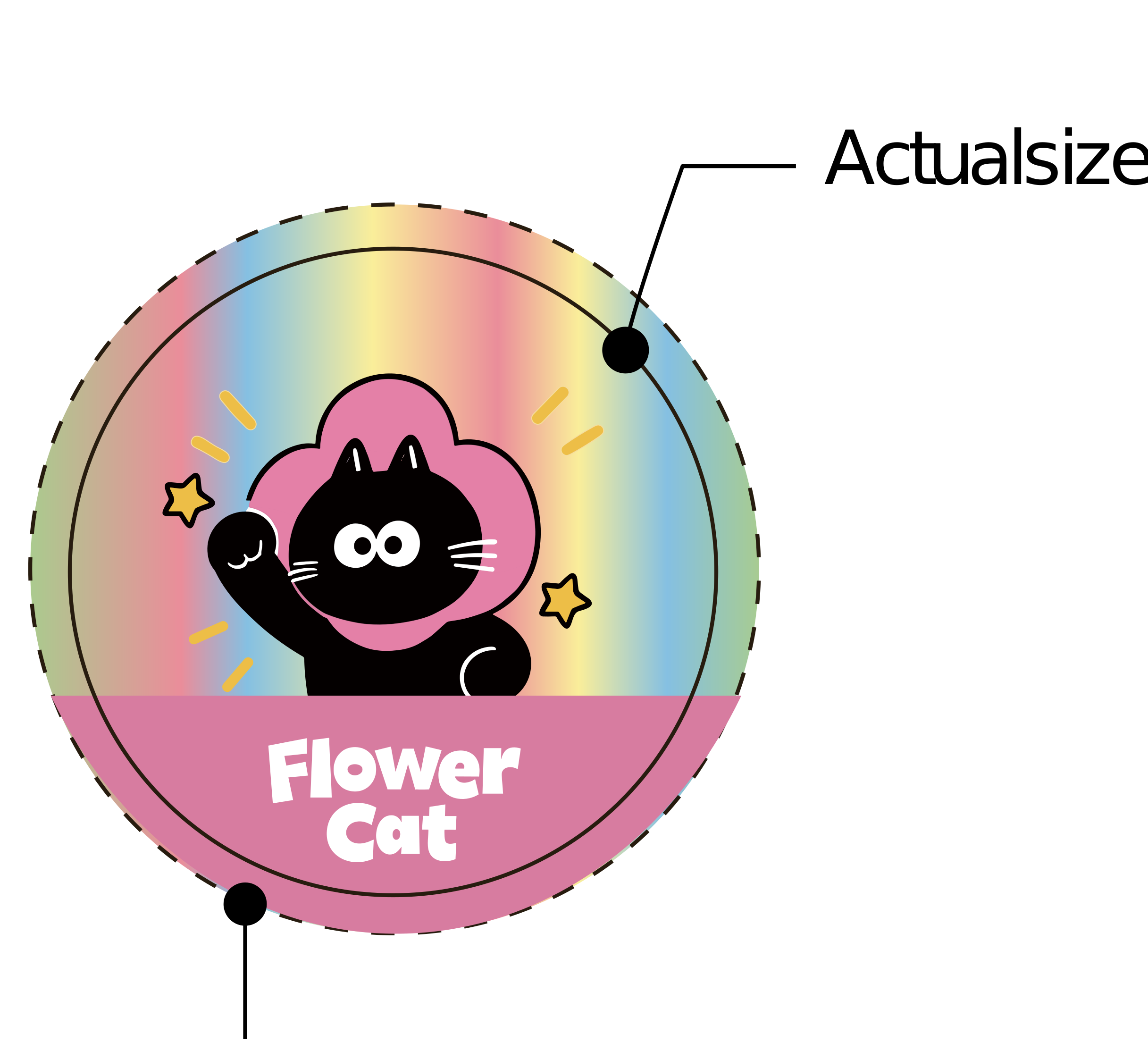
0.5mm Bieeding Line
Design Layers
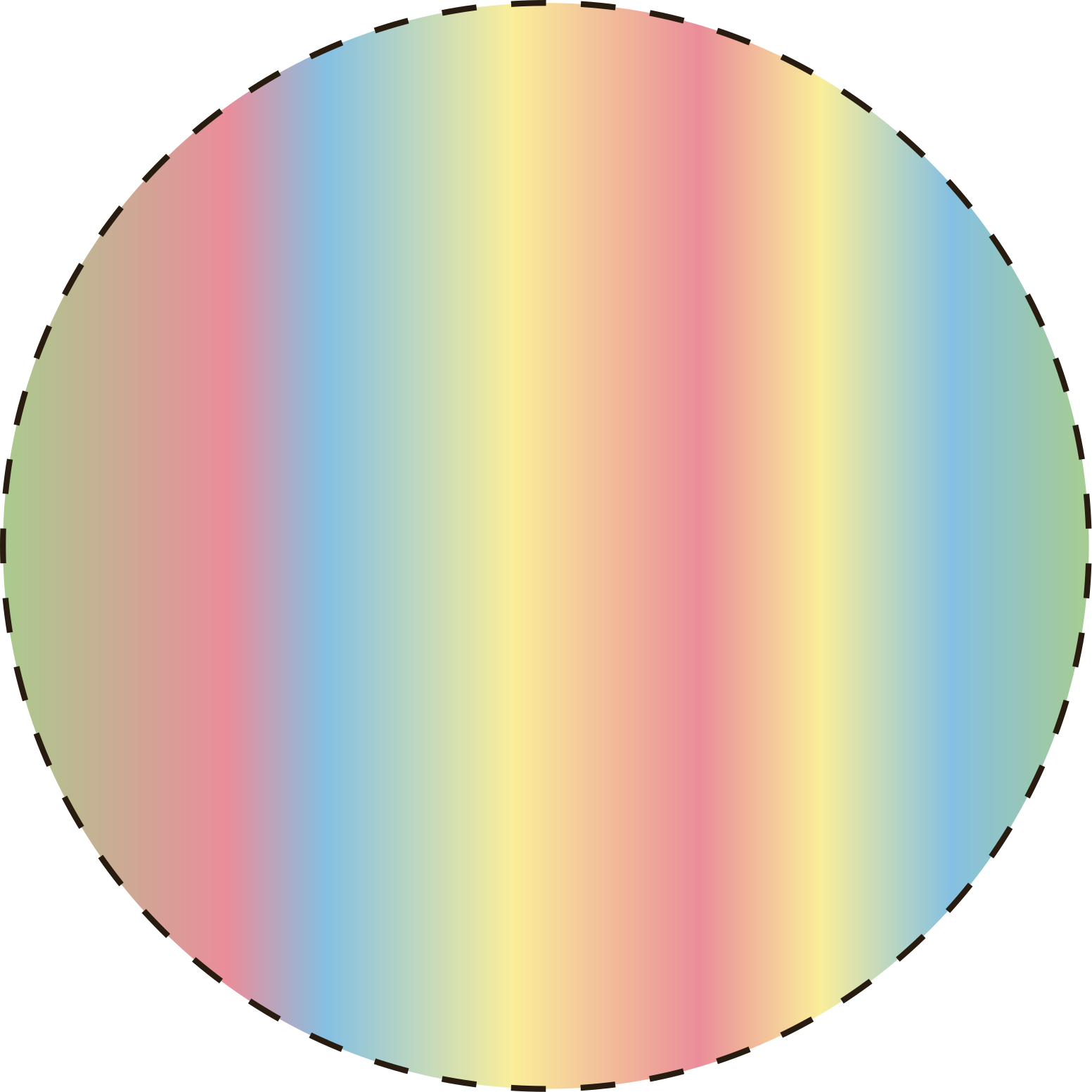
Bottom layer
Cutting line:
all printed designs
shouldreach the outline
What is bleed?
Bleed is the line extending past the trim line. It is an area that has the potential to be cut out of the print. The specific range ofcuting may vary due to the actual situation of production. Therefore, print offset or whiteout at edges caused by bleed are not covered by our returns policy.
Preview & Review
Review the preview and make sure
your image and selected options look just right.
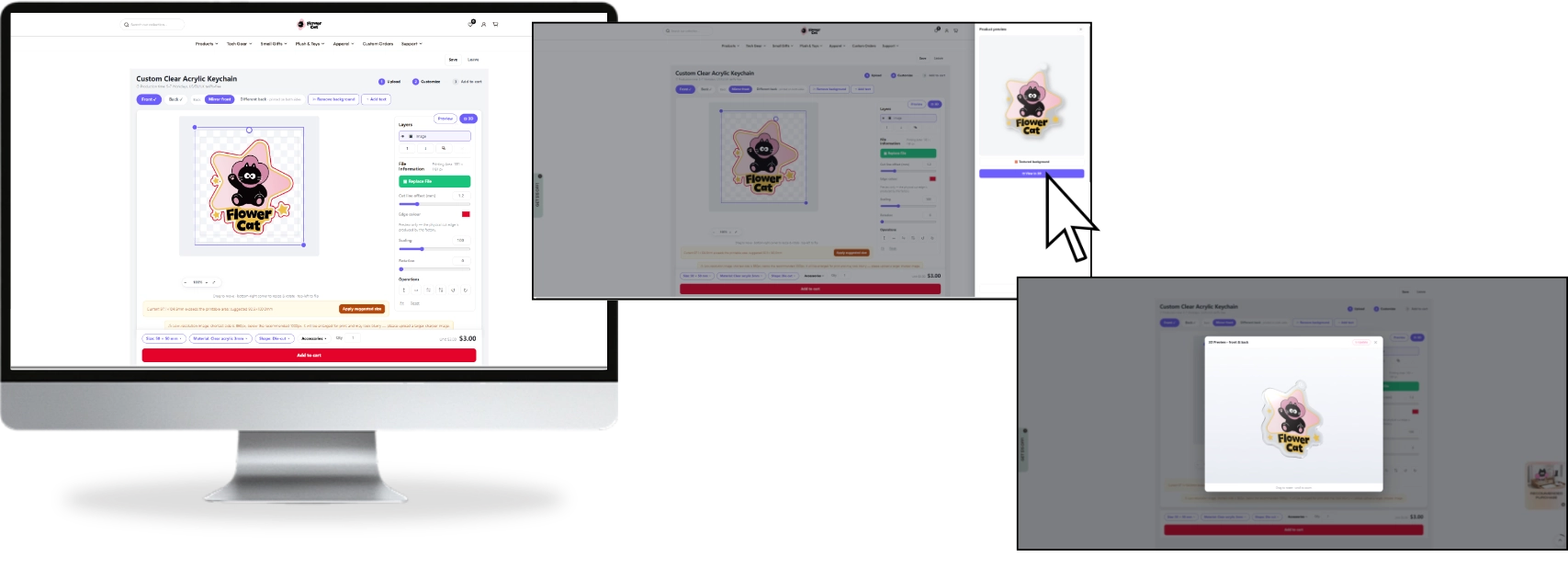
Upload your design
Generate 2D preview
Show 3D effect
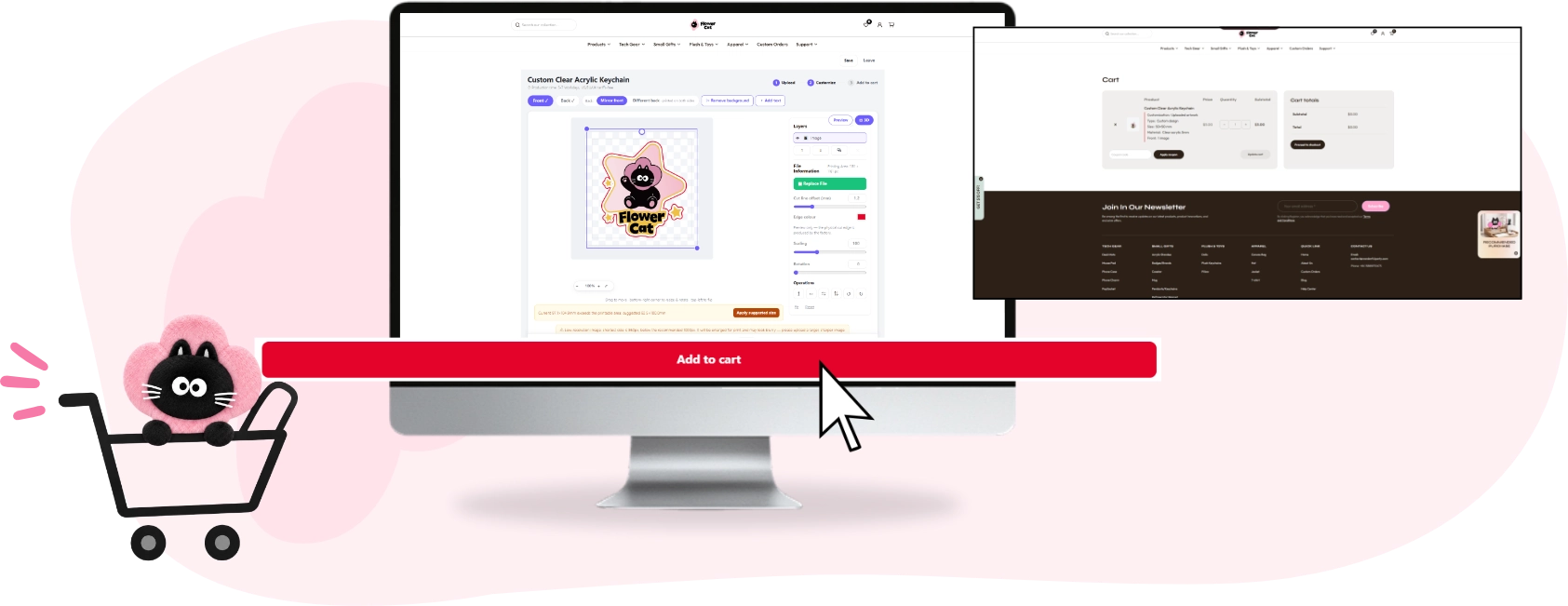
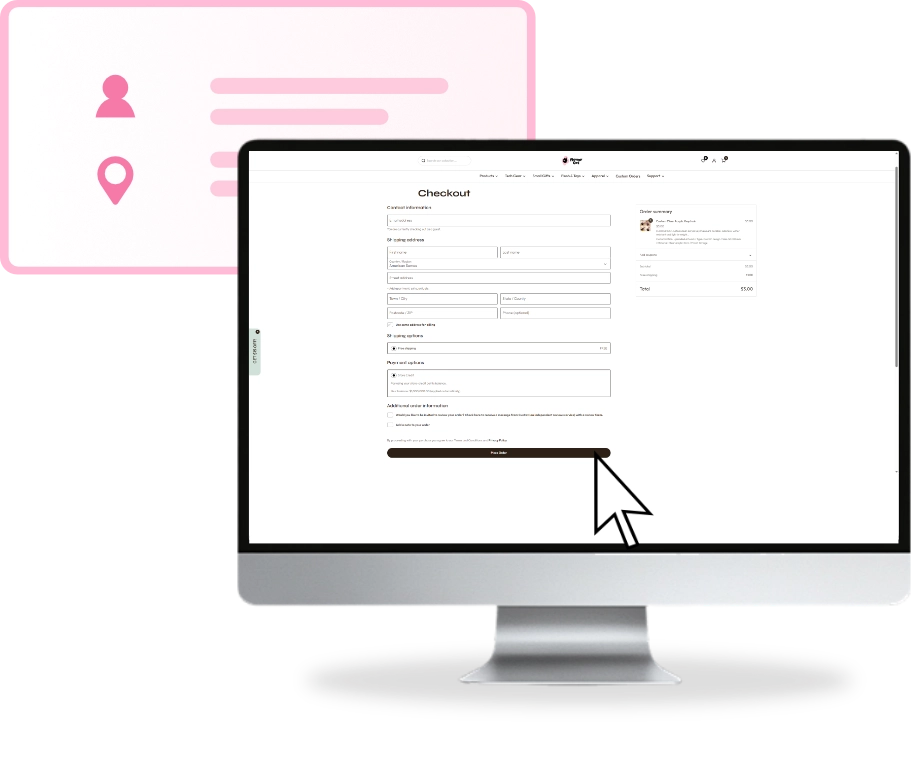
Checkout
Add to cart and proceed to
checkout. Enter your shipping and contact information.
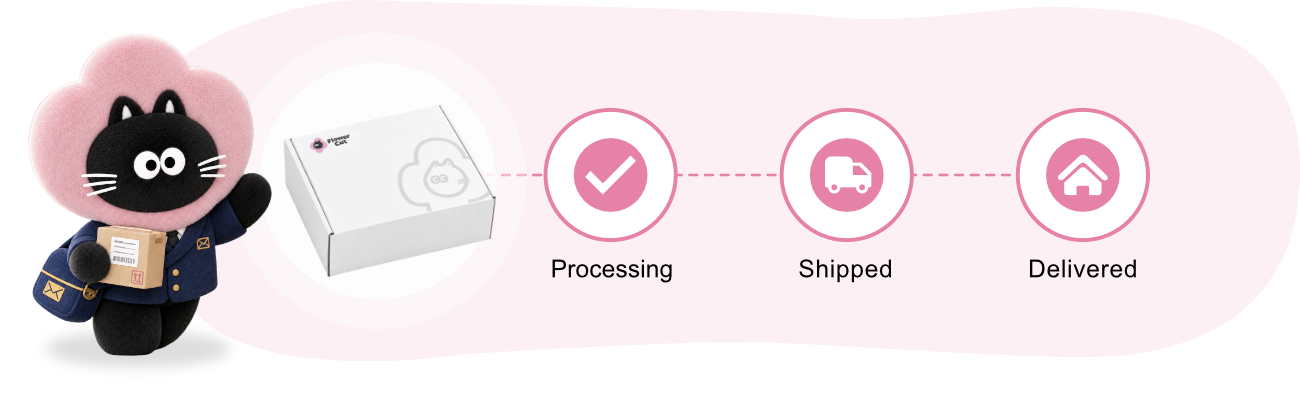
What happens next
View real-time status anytime in
youraccount under "My Orders", and we'll also email you automatic progress updates
 「Have questions? Our team replies within 24 hours.」